About this tool
Combine contracts, receipts, scans or chapters into a single PDF. Choose or drop the files, put them in order with the arrows and download the merged PDF. Unlike most online PDF sites, nothing is uploaded: the files are joined inside your browser, so confidential documents stay on your device, there is no size queue and it works even offline once the page has loaded. The pages keep their original quality, links and text.
How to use it
- 1 Choose or drop two or more PDF files.
- 2 Use the ↑ and ↓ arrows to set the order.
- 3 Tap 'Merge and download'.
- 4 Open merged.pdf - all the pages in the order you set.
Frequently asked questions
Are my files uploaded?
No. The PDFs are read and merged by your browser; they never leave your device.
Is there a size or file limit?
There is no fixed limit; very large files depend on your device's memory. Dozens of ordinary PDFs merge in seconds.
Does the quality change?
No. The pages are copied as they are, with text, images and links intact.
Can I merge password-protected PDFs?
PDFs that only restrict editing usually work. Files that need a password to open must be unlocked first.
Embed this tool
Add this free tool to your own website — copy the code below. It stays up to date automatically.
Tools for your site →More in PDF & documents
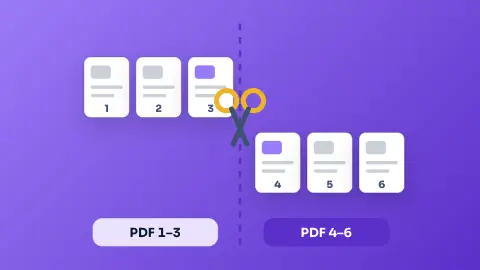
Split PDF
Take only the pages you need from a PDF, or split it into one PDF per page - free, private and in your browser.
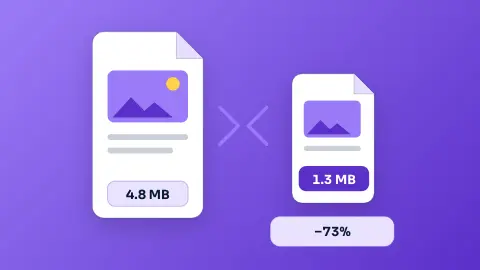
Compress PDFNew
Shrink a PDF to send it by email or upload it to a form — free, private and in your browser.
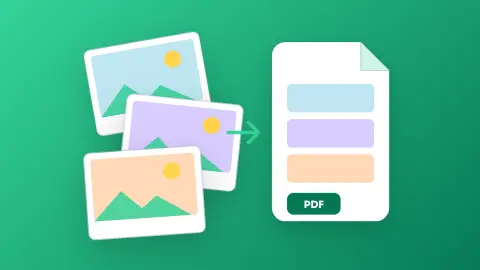
Images to PDF
Turn photos, scans and screenshots into a single PDF - one page per image, A4, Letter or original size - without uploading anything.
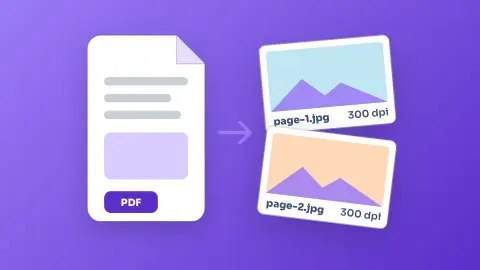
PDF to Image (JPG/PNG)
Turn every page of a PDF into a JPG or PNG image, up to 300 dpi - free, without sign-up and without uploading the file.
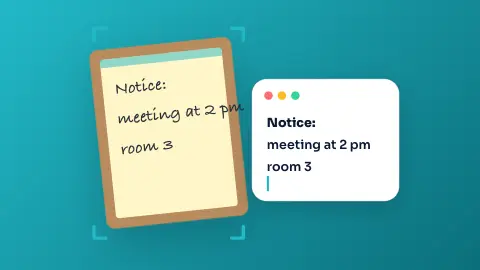
Image to Text (OCR)
Copy the text of a photo, scanned document or screenshot in English, Portuguese or Spanish - free, and the image never leaves your device.
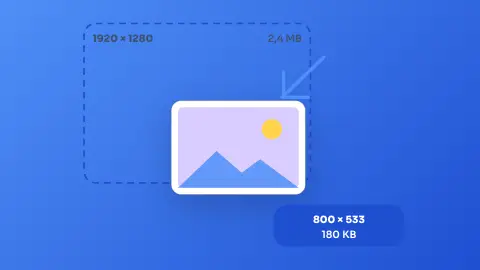
Image Resizer & Compressor
Shrink one photo or a whole batch to a target width and quality without uploading them anywhere.