About this tool
Large PDFs are usually large because of the photos and scans inside them. This tool recompresses those images and keeps the text, fonts and drawings as they are, so the text stays sharp and selectable. For scanned documents that must get really small, the maximum mode turns every page into a light image. The file is processed in your browser and never uploaded, and if the result is not smaller you keep the original.
How to use it
- 1 Choose or drop a PDF.
- 2 Keep 'Keep the text' for most files, or choose 'Maximum compression' for scans.
- 3 Pick the image quality and tap 'Compress'.
- 4 Check the new size and download the PDF.
Frequently asked questions
How much smaller will my PDF get?
It depends on what is inside: PDFs with photos or scanned pages often shrink by half or more; PDFs that are mostly text are already small and change little.
Does the text stay selectable?
Yes, in the recommended mode only the photos are recompressed. In 'Maximum compression' every page becomes an image, so the text can no longer be selected or searched.
Is my PDF uploaded?
No. Everything happens in your browser; the file stays on your device.
Why can't my PDF be compressed?
Files that need a password to open, or damaged files, cannot be read. PDFs without photos may already be as small as they can be.
Embed this tool
Add this free tool to your own website — copy the code below. It stays up to date automatically.
Tools for your site →More in PDF & documents
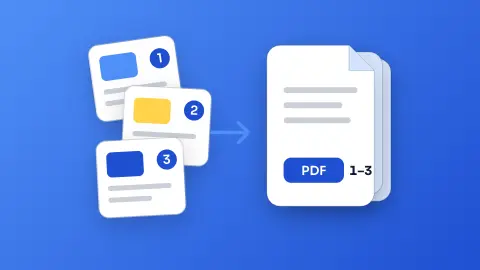
Merge PDF
Join several PDFs into one in the order you choose - free, no sign-up and without uploading your files.
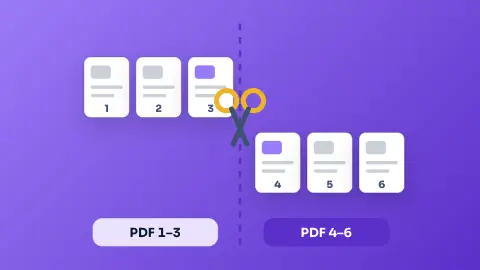
Split PDF
Take only the pages you need from a PDF, or split it into one PDF per page - free, private and in your browser.
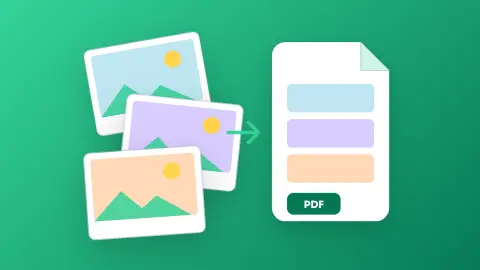
Images to PDF
Turn photos, scans and screenshots into a single PDF - one page per image, A4, Letter or original size - without uploading anything.
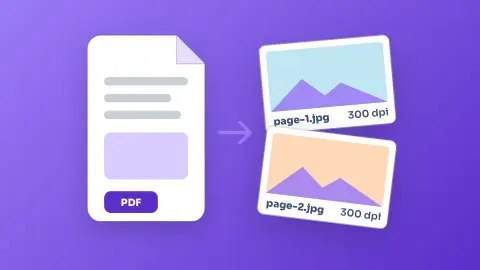
PDF to Image (JPG/PNG)
Turn every page of a PDF into a JPG or PNG image, up to 300 dpi - free, without sign-up and without uploading the file.
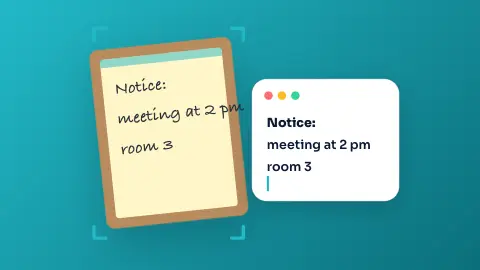
Image to Text (OCR)
Copy the text of a photo, scanned document or screenshot in English, Portuguese or Spanish - free, and the image never leaves your device.
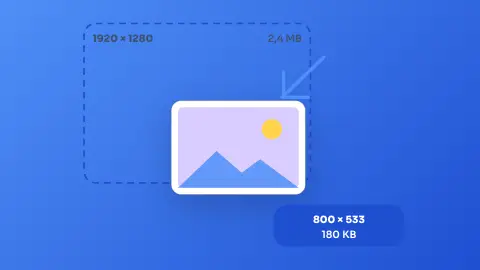
Image Resizer & Compressor
Shrink one photo or a whole batch to a target width and quality without uploading them anywhere.