About this tool
Need to copy the text of a printed page, a receipt, a sign, a slide or a screenshot? Choose the image, drop it or simply paste it with Ctrl+V, and the tool reads the text with OCR (optical character recognition) and gives it back as text you can edit, copy or save as a .txt file. It reads English, Portuguese and Spanish, including accents, and can join the broken lines of a scanned page back into paragraphs. The recognition runs entirely in your browser with Tesseract, the open-source OCR engine: no upload, no sign-up and no limit on the number of images.
How to use it
- 1 Choose, drop or paste (Ctrl+V) an image with text.
- 2 Check the language of the text.
- 3 Wait a few seconds while the text is read.
- 4 Review the text, then copy it or download it as .txt.
Frequently asked questions
Does it read handwriting?
Only neat, well-separated handwriting, and not reliably. The tool is made for printed or typed text, like documents, books, receipts and screenshots.
How can I get better results?
Use a sharp, well-lit image with the text straight and large enough - crop the part you need and avoid shadows and reflections.
Is my image uploaded?
No. The reading model is downloaded once and the text is recognised by your own browser; the image never leaves your device.
Can I extract text from a PDF?
Convert the PDF pages to images with our PDF to image tool, then open each image here. PDFs with selectable text don't need OCR: just copy the text.
Embed this tool
Add this free tool to your own website — copy the code below. It stays up to date automatically.
Tools for your site →More in PDF & documents
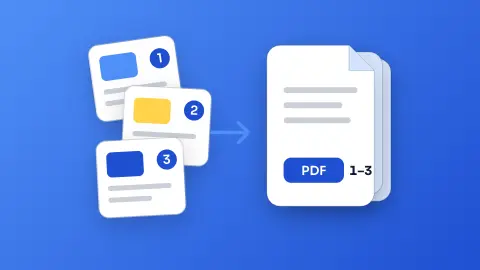
Merge PDF
Join several PDFs into one in the order you choose - free, no sign-up and without uploading your files.
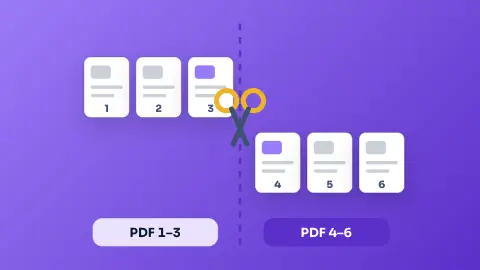
Split PDF
Take only the pages you need from a PDF, or split it into one PDF per page - free, private and in your browser.
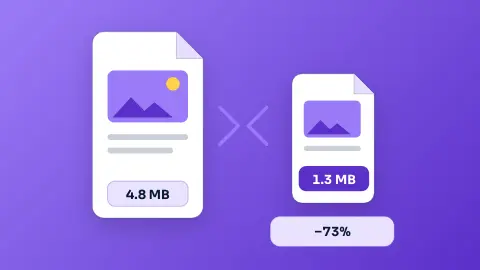
Compress PDFNew
Shrink a PDF to send it by email or upload it to a form — free, private and in your browser.
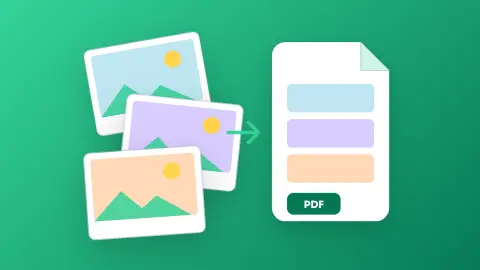
Images to PDF
Turn photos, scans and screenshots into a single PDF - one page per image, A4, Letter or original size - without uploading anything.
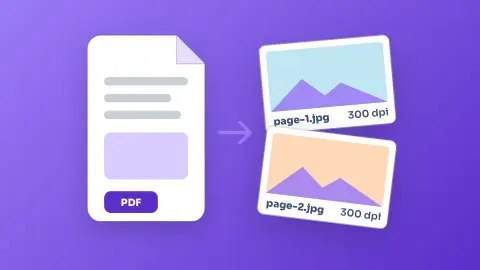
PDF to Image (JPG/PNG)
Turn every page of a PDF into a JPG or PNG image, up to 300 dpi - free, without sign-up and without uploading the file.
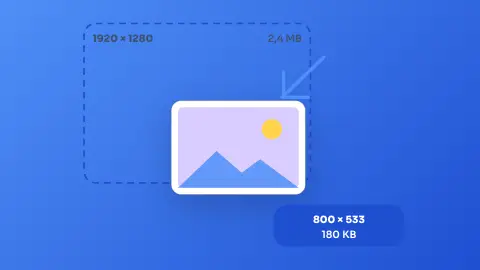
Image Resizer & Compressor
Shrink one photo or a whole batch to a target width and quality without uploading them anywhere.