About this tool
Choose one image or select several at once, set a maximum width and a quality level, and process the whole batch in one click. Each image is resized and compressed by your browser using the HTML canvas - files never leave your device and no server sees them. Handy for email attachments, forum uploads, or getting a folder of photos under a size limit.
How to use it
- 1 Select one or more image files.
- 2 Set the maximum width in pixels (the height scales to match) and the quality.
- 3 Click "Resize & compress" to process every selected image.
- 4 Download each result individually - the summary shows the total space saved.
Frequently asked questions
Is my photo uploaded?
No. Everything happens locally in your browser. Nothing is sent anywhere.
Which formats are supported?
JPG, PNG and WebP input. Output is JPG or WebP (whichever gives the smaller file at your quality setting).
Why is my PNG bigger after "compressing"?
PNG with transparency does not compress well as JPG. For photos, JPG/WebP output is usually far smaller; for graphics with flat colour, keep the original.
Can I process several photos at once?
Yes - select multiple files and click "Resize & compress"; each one gets its own download link and the total size saved is shown.
Guide
How to Compress Images Without Losing Quality
A practical guide to shrinking photos for the web and email: resize first, pick the right format, and find the quality sweet spot – without visible loss.
Read the guide →Guide
How to Scan Documents With Your Phone (and Get a Clean PDF)
Get flat, readable, properly cropped scans from a phone camera: lighting, background, colour mode, multi-page PDFs, and making the text searchable.
Read the guide →Embed this tool
Add this free tool to your own website — copy the code below. It stays up to date automatically.
Tools for your site →More in Images & design
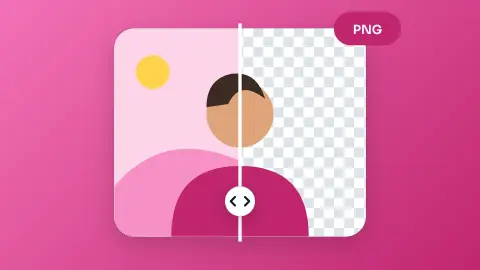
Background Remover
Remove any photo background automatically with AI and download a transparent PNG - no upload, no sign-up.
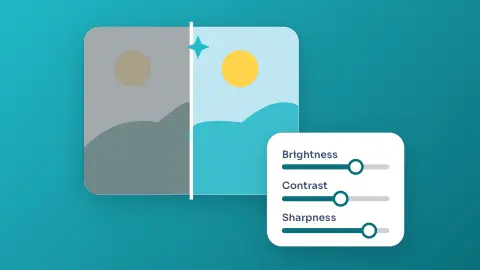
Photo Enhancer
Fix exposure and colour, sharpen, or one-click auto-enhance a photo - all in your browser.
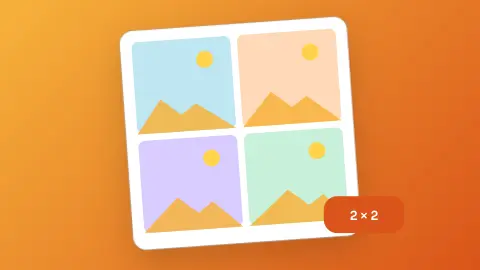
Photo Collage Maker
Drop a few photos into a grid, set the spacing and shape, and download the collage as a PNG.
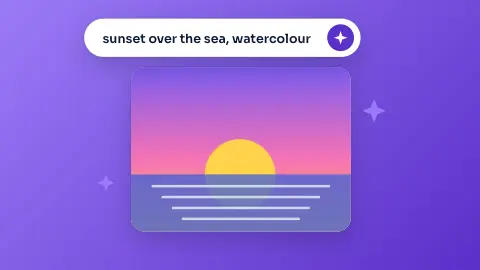
AI Image Generator
Describe a picture, pick a style and format, and open a ready-to-run prompt in Bing Image Creator or ChatGPT - free.
Icon Library and Downloader
Search hundreds of thousands of open-source icons, recolour them and download SVG or PNG.
Android Launcher Icon Generator
Turn text, an emoji or an image into a full set of Android launcher icons, ready to drop into your project.