About this tool
Need a page of a PDF as a picture to post on Instagram, send on WhatsApp or put in a presentation? Choose the PDF, pick PNG (sharp text and diagrams) or JPG (smaller files, good for photos) and the quality: 72 dpi for screens, 150 dpi for most uses or 300 dpi for printing. Convert every page or only the ones you need, like 1-3, 5. Tap each image to download it, or get all of them in one ZIP file. The conversion runs in your browser with pdf.js: the PDF is never uploaded, which makes it safe for bills, contracts and documents.
How to use it
- 1 Choose or drop a PDF.
- 2 Pick the format (PNG or JPG) and the quality.
- 3 Optionally type the pages to convert, like 1-3, 5.
- 4 Press Convert and download the images one by one or in a ZIP.
Frequently asked questions
PNG or JPG: which should I choose?
PNG keeps text, tables and drawings perfectly sharp. JPG makes smaller files and is better for pages that are mostly photos.
Which quality should I use?
150 dpi is enough for screens and messages. Use 300 dpi to print or zoom in on details; 72 dpi makes the smallest files.
Is my PDF uploaded?
No. The pages are drawn by your own browser; the file never leaves your device.
Does it work with password-protected PDFs?
PDFs that need a password to open cannot be converted. Remove the password in your PDF reader first.
Embed this tool
Add this free tool to your own website — copy the code below. It stays up to date automatically.
Tools for your site →More in PDF & documents
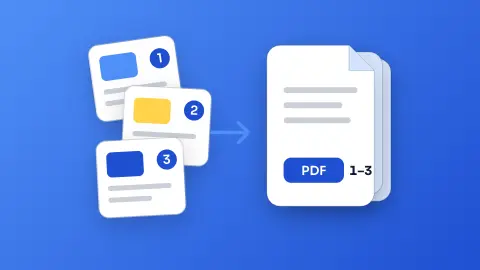
Merge PDF
Join several PDFs into one in the order you choose - free, no sign-up and without uploading your files.
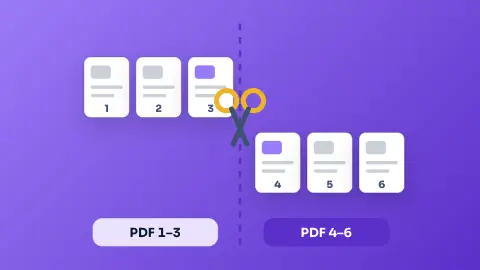
Split PDF
Take only the pages you need from a PDF, or split it into one PDF per page - free, private and in your browser.
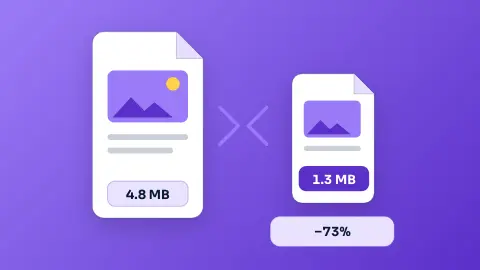
Compress PDFNew
Shrink a PDF to send it by email or upload it to a form — free, private and in your browser.
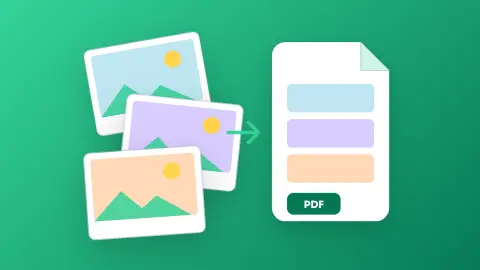
Images to PDF
Turn photos, scans and screenshots into a single PDF - one page per image, A4, Letter or original size - without uploading anything.
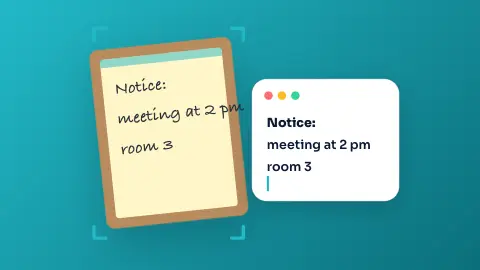
Image to Text (OCR)
Copy the text of a photo, scanned document or screenshot in English, Portuguese or Spanish - free, and the image never leaves your device.
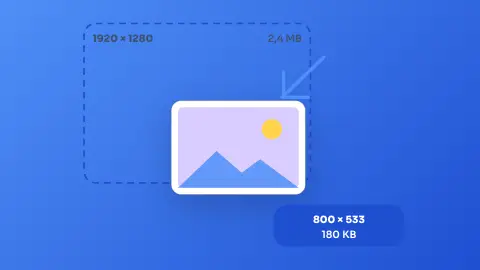
Image Resizer & Compressor
Shrink one photo or a whole batch to a target width and quality without uploading them anywhere.