
PDF Scan lets you capture receipts, contracts, notes and whiteboards with your camera and turn them into clean, shareable PDFs in seconds. Automatic edge detection straightens and crops each page, so the result looks like it came off a real scanner - not a photo.
Built-in text recognition (OCR) can pull editable text out of your scans, and everything is processed on your device, so your documents never leave your phone.


Features
- Automatic border detection, perspective correction and cropping
- Multi-page scanning into a single PDF
- Text recognition (OCR): photo to editable text
- Colour, greyscale and high-contrast black & white filters
- Share or export as PDF or image
- Works fully offline - no sign-up, no upload
Frequently asked questions
Does PDF Scan work offline?
Yes. Scanning, filters and PDF export all run on your device. Nothing is uploaded to a server.
Is there a watermark on exported files?
No. Exported PDFs and images are clean.
Which languages does the text recognition support?
The OCR engine handles common Latin-script languages including English and Portuguese.
How much does it cost?
PDF Scan is free to download on Google Play.
Free web tools that pair with this app
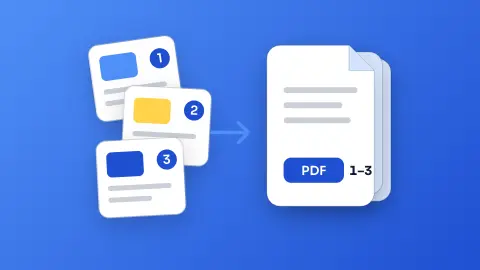
Merge PDF
Join several PDFs into one in the order you choose - free, no sign-up and without uploading your files.
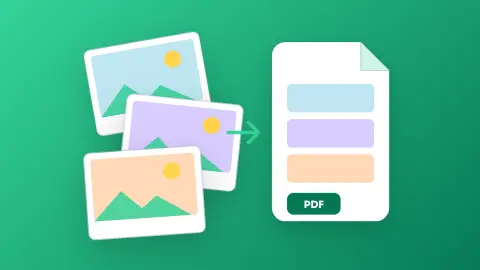
Images to PDF
Turn photos, scans and screenshots into a single PDF - one page per image, A4, Letter or original size - without uploading anything.
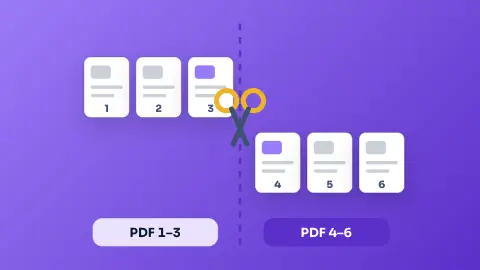
Split PDF
Take only the pages you need from a PDF, or split it into one PDF per page - free, private and in your browser.
