About this tool
Turn a phone video, screen recording or download into the format you need: MP4 for WhatsApp, Instagram and almost every player, WebM for the web, MOV for Apple editing apps or MKV to keep several tracks. Choose the file, pick the format and download the result. The conversion runs inside your browser with its own video engine (WebCodecs), so the video never leaves your device, there is no upload queue or size cap from a server, and private recordings stay private. When the codecs already fit the new container, the tracks are copied without re-encoding, which is fast and keeps the original quality.
How to use it
- 1 Choose or drop a video (MP4, MOV, WebM, MKV and more).
- 2 Check the duration, resolution and tracks that appear.
- 3 Pick the output format: MP4, WebM, MOV or MKV.
- 4 Tap 'Convert and download' and wait for the progress bar.
Frequently asked questions
Is my video uploaded?
No. The video is read and converted by your browser; it never leaves your device.
Which format should I choose?
MP4 plays almost everywhere, including WhatsApp and Instagram. WebM is lighter for websites, MOV suits Apple apps and MKV keeps several audio or subtitle tracks.
Why is it slow on some videos?
When the codec has to change, every frame is re-encoded by your device. Long or 4K videos take longer on phones; a computer is faster.
Which browsers work?
Recent Chrome, Edge, Safari and Firefox. Very old browsers have no video engine for web pages.
Embed this tool
Add this free tool to your own website — copy the code below. It stays up to date automatically.
Tools for your site →More free tools
Audio Converter
Convert audio - or the sound of a video - to MP3, M4A, WAV, OGG, FLAC or AAC in your browser, free and without uploading it.
Extract Audio from Video
Save the sound of any video as MP3, M4A or WAV - free, no sign-up and without uploading the video.
Remove Audio from Video
Take the sound out of a video and keep the picture - free, no sign-up and without uploading it.
Image Resizer & Compressor
Shrink one photo or a whole batch to a target width and quality without uploading them anywhere.
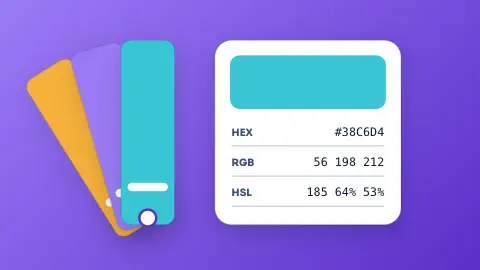
Color Converter
Paste a colour in any common format and get HEX, RGB and HSL, with a live swatch.
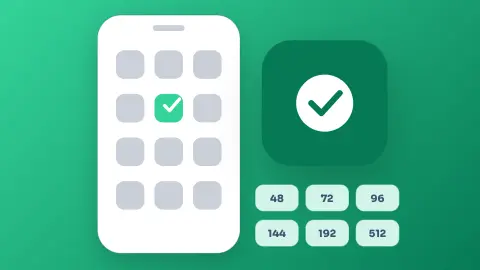
Android Launcher Icon Generator
Turn text, an emoji or an image into a full set of Android launcher icons, ready to drop into your project.