About this tool
Keep just the audio of a video: a lecture to listen to on the go, the song from a clip, an interview for transcription or the voice from a screen recording. Drop an MP4, MOV, WebM or MKV, choose MP3, M4A or WAV and download. When the video's sound is already AAC and you choose M4A, it is copied as is - instant and without any quality loss. The video is processed by your browser and never leaves your device.
How to use it
- 1 Choose or drop a video.
- 2 Pick MP3 (plays everywhere), M4A (smallest, no loss when the video uses AAC) or WAV (for editing).
- 3 For MP3 and M4A, choose the quality.
- 4 Tap 'Extract and download'.
Frequently asked questions
How do I turn an MP4 into an MP3?
Drop the MP4, keep MP3 selected and tap 'Extract and download'. You get an MP3 with the video's sound.
Which format keeps the original quality?
M4A: most phone and web videos use AAC audio, which is copied into the M4A without re-encoding.
Can I extract audio from long videos?
Yes. Copying AAC to M4A is quick even for hours of video; MP3 and WAV take longer because the sound is re-encoded.
Is the video uploaded?
No. Everything happens in your browser.
Embed this tool
Add this free tool to your own website — copy the code below. It stays up to date automatically.
Tools for your site →More free tools
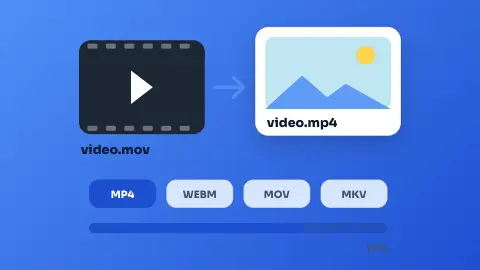
Video Converter
Convert videos between MP4, WebM, MOV and MKV in your browser - free, no sign-up and without uploading the file.
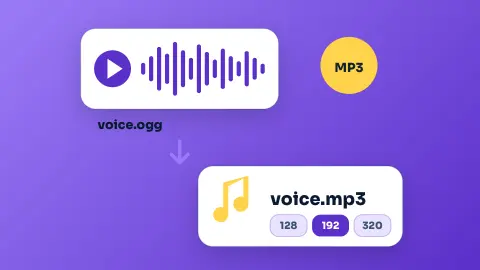
Audio Converter
Convert audio - or the sound of a video - to MP3, M4A, WAV, OGG, FLAC or AAC in your browser, free and without uploading it.
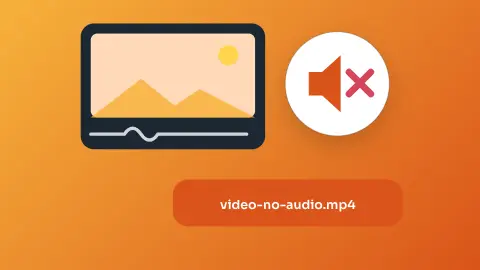
Remove Audio from Video
Take the sound out of a video and keep the picture - free, no sign-up and without uploading it.
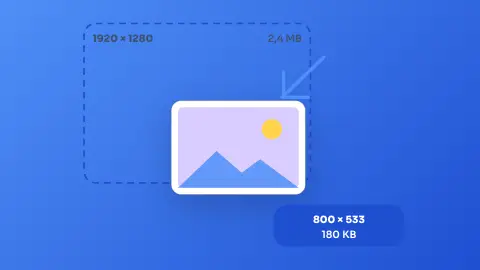
Image Resizer & Compressor
Shrink one photo or a whole batch to a target width and quality without uploading them anywhere.
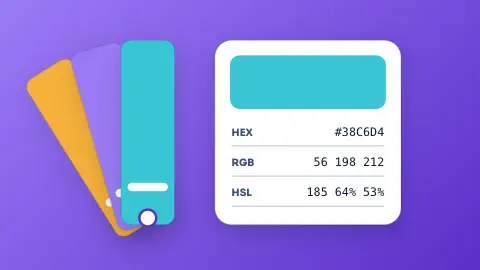
Color Converter
Paste a colour in any common format and get HEX, RGB and HSL, with a live swatch.
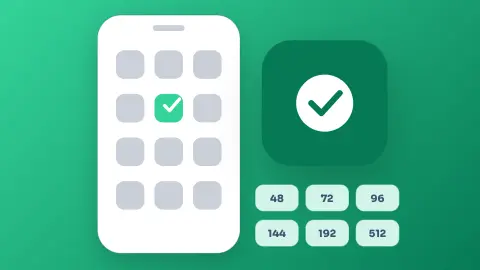
Android Launcher Icon Generator
Turn text, an emoji or an image into a full set of Android launcher icons, ready to drop into your project.