About this tool
Mute a video before posting it, drop background noise you will replace with music, or share a screen recording without the voices around you. Choose the video, keep its format (or pick another) and download it without the sound track. When the format stays the same, the picture is copied without re-encoding, so it is fast and the quality is exactly the original. Nothing is uploaded: your browser does the work.
How to use it
- 1 Choose or drop a video.
- 2 Keep the output format (MP4, WebM, MOV or MKV).
- 3 Tap 'Remove audio and download'.
- 4 Your video, without sound, is saved with '-no-audio' in its name.
Frequently asked questions
Does the picture quality change?
No, when you keep the same format: the video track is copied exactly as it was.
Can I replace the audio with music?
This tool removes the sound; add new music in any video editor afterwards.
Why would I remove audio?
To share a clip without background conversations, avoid copyright music being detected or prepare a video for a new soundtrack.
Is the video uploaded?
No. The video is processed by your browser and never leaves your device.
Embed this tool
Add this free tool to your own website — copy the code below. It stays up to date automatically.
Tools for your site →More free tools
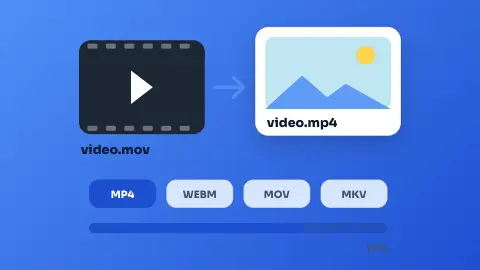
Video Converter
Convert videos between MP4, WebM, MOV and MKV in your browser - free, no sign-up and without uploading the file.
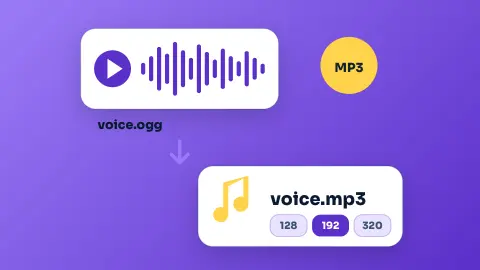
Audio Converter
Convert audio - or the sound of a video - to MP3, M4A, WAV, OGG, FLAC or AAC in your browser, free and without uploading it.
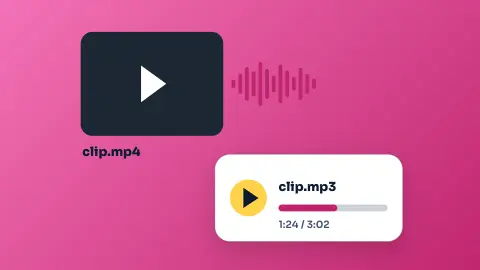
Extract Audio from Video
Save the sound of any video as MP3, M4A or WAV - free, no sign-up and without uploading the video.
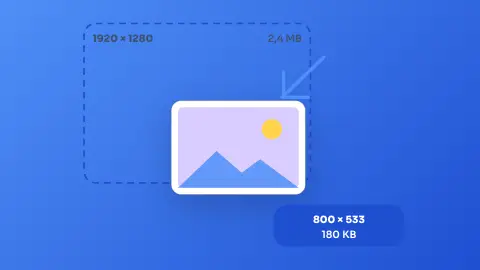
Image Resizer & Compressor
Shrink one photo or a whole batch to a target width and quality without uploading them anywhere.
Color Converter
Paste a colour in any common format and get HEX, RGB and HSL, with a live swatch.
Android Launcher Icon Generator
Turn text, an emoji or an image into a full set of Android launcher icons, ready to drop into your project.