About this tool
Pix is Brazil's instant payment system. This generator creates a static Pix QR code and its 'copia e cola' code from your Pix key - CPF, CNPJ, mobile number, e-mail or random key - plus your name and city. You can fix an amount (for a sale or a bill) or leave it blank so the payer types it, add an identifier and a short message. The code follows the Banco Central BR Code standard (EMV fields and CRC16 checksum), so it works in every bank's app. Print the QR code for your counter, send the code by WhatsApp or put it on an invoice. Everything is made in your browser: your key and data are never sent anywhere.
How to use it
- 1 Choose the key type or let the tool detect it, and type your Pix key.
- 2 Fill in the receiver name and city as registered at your bank.
- 3 Optionally set an amount, an identifier (order number) and a message.
- 4 Copy the Pix copia e cola code or download the QR code as PNG or SVG.
Frequently asked questions
Is it safe to share a Pix QR code?
Yes. A static Pix QR code only contains your key, name, city and the optional amount - the same data the payer sees when paying by key. It cannot be used to take money from your account.
Does the QR code expire?
No. A static Pix code works for as long as the key is registered at your bank. If you delete or change the key, create a new code.
Why doesn't the amount appear when I pay?
When the amount field is empty the payer types the value. Fill it in to create a code with a fixed amount, such as for a product or a bill.
Can I receive several payments with the same code?
Yes, a static code can be paid many times. To tell payments apart, use a different identifier for each sale or check the payer name in your bank statement.
Embed this tool
Add this free tool to your own website — copy the code below. It stays up to date automatically.
Tools for your site →More free tools
WhatsApp Link Generator
Create a WhatsApp link with your number and a ready-made message for your Instagram bio, site or ads - plus a QR code to print.
QR Code Generator
Turn any text or URL into a scannable QR code and download it as a PNG - instantly in your browser.
LinkedIn Search URL Builder
Turn a target profile into a ready-to-open LinkedIn people-search link with the filters already applied.
Lorem Ipsum Generator
Generate paragraphs, sentences or words of classic Lorem Ipsum filler text.
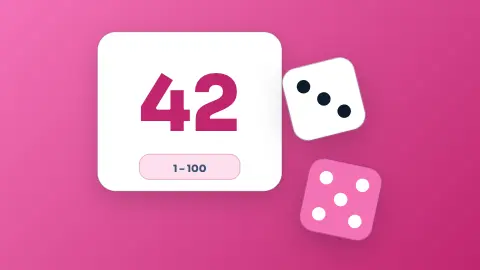
Random Number Generator
Pick fair random numbers in any range, with an option for no repeats.
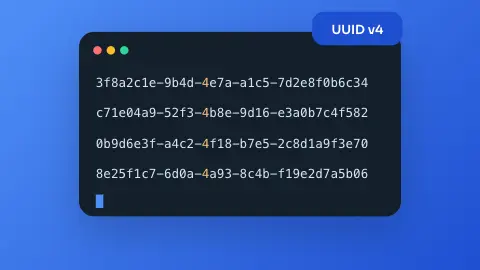
UUID Generator
Generate random version-4 UUIDs (GUIDs), one or in bulk, instantly in your browser.