About this tool
A WhatsApp link (wa.me) opens a chat with your number straight away, without the other person saving your contact - and it can come with a message already typed. Type the country code, your number with the area code and, if you like, a message such as a quote request; the generator builds the link, checks the number and makes a QR code you can print for your counter, menu or business card. Leave the number empty to create a link that lets the person pick the contact to send the message to. Everything happens in your browser: the number and the message are not sent anywhere.
How to use it
- 1 Check the country code (55 for Brazil) and type your WhatsApp number with the area code.
- 2 Optionally write a message or pick a ready-made one.
- 3 Copy the link or test it on WhatsApp.
- 4 Download the QR code to print or share.
Frequently asked questions
Does the link work on computers too?
Yes. On a phone it opens the WhatsApp app; on a computer it opens WhatsApp Web or the desktop app.
Does it work with WhatsApp Business?
Yes, the link opens a chat with the number whether it uses WhatsApp or WhatsApp Business.
How do I put the link in my Instagram bio?
Copy the generated link and paste it in the website field of your profile, or add it as a link in the bio.
Can I change the message later?
The message is part of the link: to change it, create a new link and replace the old one where you published it.
Embed this tool
Add this free tool to your own website — copy the code below. It stays up to date automatically.
Tools for your site →More free tools
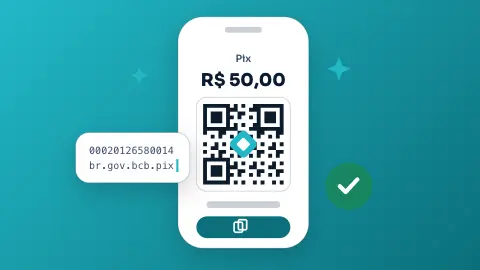
Pix QR Code Generator
Create a Pix QR code and the copy-and-paste code for any key, with an optional amount and message - free, following the Banco Central standard.
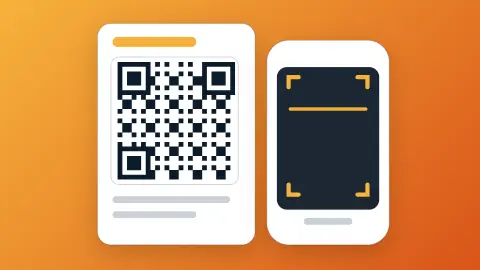
QR Code Generator
Turn any text or URL into a scannable QR code and download it as a PNG - instantly in your browser.
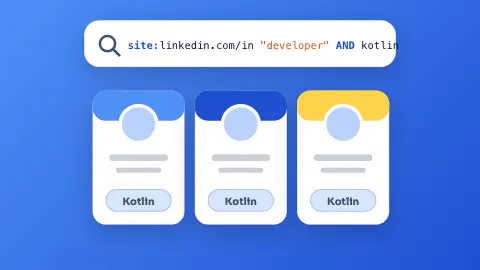
LinkedIn Search URL Builder
Turn a target profile into a ready-to-open LinkedIn people-search link with the filters already applied.
Lorem Ipsum Generator
Generate paragraphs, sentences or words of classic Lorem Ipsum filler text.
Random Number Generator
Pick fair random numbers in any range, with an option for no repeats.
UUID Generator
Generate random version-4 UUIDs (GUIDs), one or in bulk, instantly in your browser.