About this tool
Make your own WhatsApp stickers from any photo - a selfie, your pet, a friend's reaction. The on-device AI removes the background automatically, then the subject is trimmed, centred and given a white or black outline, the classic sticker look. Add a caption such as 'GOOD MORNING!' at the top or bottom, and download a 512 × 512 WebP under 100 KB - exactly what WhatsApp expects - or a PNG. The photo never leaves your device: the AI runs in your browser and the model downloads once, then works offline.
How to use it
- 1 Choose or drop a photo (you can also paste it with Ctrl+V).
- 2 Wait a few seconds while the AI removes the background.
- 3 Pick an outline and, if you like, write a caption.
- 4 Download the WebP and add it to a sticker app such as Sticker.ly or Personal Stickers to use it on WhatsApp.
Frequently asked questions
How do I add the sticker to WhatsApp?
WhatsApp imports stickers through sticker apps. Install one such as Sticker.ly or Personal Stickers, create a pack with at least 3 stickers from the downloaded WebP files and add it to WhatsApp.
Is my photo uploaded?
No. The background is removed by an AI model that runs in your browser; the photo and the sticker stay on your device.
Why is the first sticker slower?
The first time, the browser downloads the AI model (about 45 MB). After that it is cached and each sticker takes a few seconds, even offline.
Can I make a sticker without removing the background?
Yes. Untick the AI option and the whole photo becomes the sticker, with the outline and caption you choose.
Embed this tool
Add this free tool to your own website — copy the code below. It stays up to date automatically.
Tools for your site →More in WhatsApp & social media
Meme Generator
Make a meme from your own photo in seconds - classic top and bottom text or a caption above the image - and download it as JPG or PNG.
Emoji Maker
Build a custom emoji from eyes, mouths, colours and accessories and download it as PNG or SVG - free, no sign-up.
Emoji Copy and Paste
All the emojis in one place: search by name in your language, browse by category and click to copy - or build a whole sequence and copy it at once.
Emoji Downloader
Pick one emoji, a whole category or everything you search and download them as PNG (72-512 px) or SVG in one ZIP.
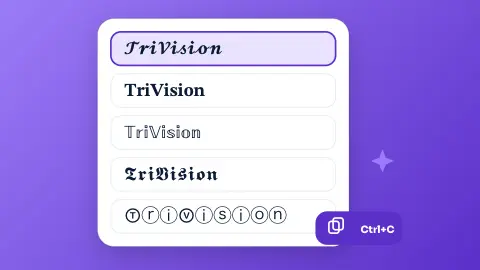
Fancy Text Generator
Type once and get your text in 16 styles - bold, italic, cursive, gothic, bubbles, upside down… - ready to copy into Instagram, WhatsApp or TikTok.
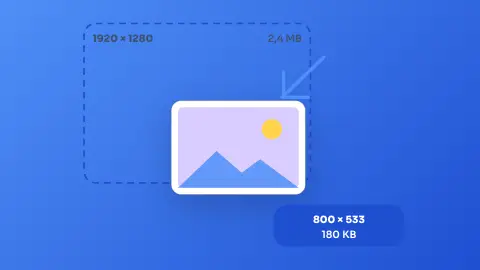
Image Resizer & Compressor
Shrink one photo or a whole batch to a target width and quality without uploading them anywhere.